(iOS)
From the message window,
Tap Attachment icon 
on the left side of the message box.
Then tap Pin icon 
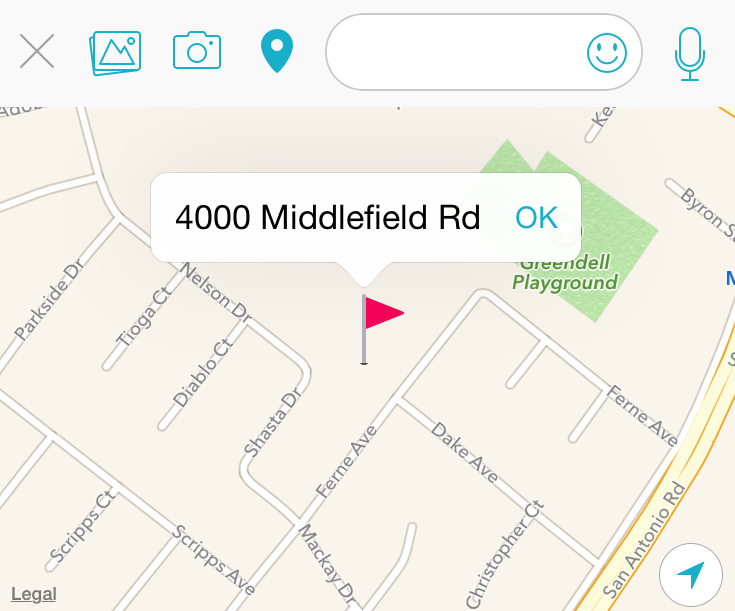
Tap OK and send the message.
Your contact will receive a map with your location!
Ain't that cool?

(iOS)
From the message window,
Tap Attachment icon
on the left side of the message box.
Then tap Pin icon
Tap OK and send the message.
Your contact will receive a map with your location!
Ain't that cool?